CBC-PROC-203 Version 2 last review date: August, 2022
1.0 How to create an Account:
-
Open your browser and navigate to the specified URL
-
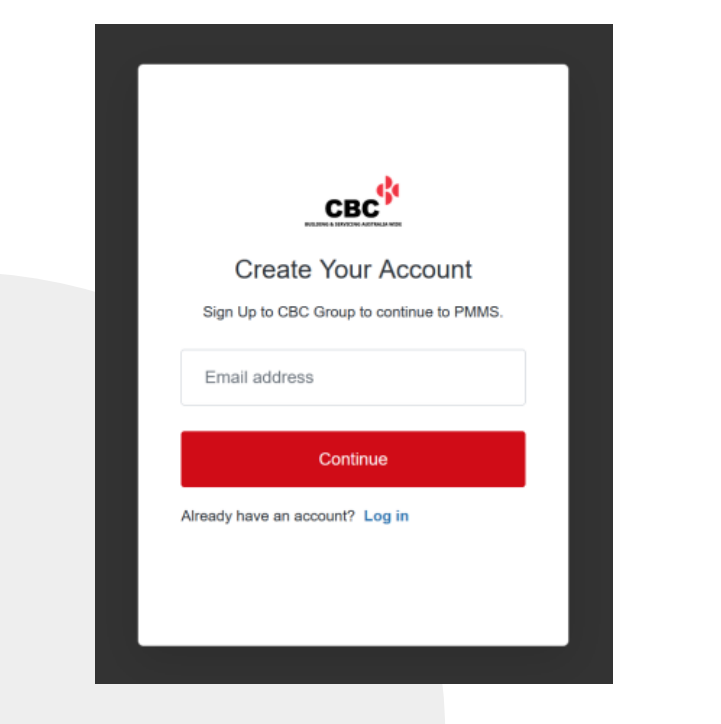
On the authorisation form, click the ‘Sign up’ text.
-
Enter your email address.
-
Enter a password for use on the CBC CMMS Portal.
- This password must not be one used on any other platform.
-
Click the ‘Continue’ button.

-
Connect an Authenticator App
- Follow the steps in CBC-PROC-036 CMMS - Setting up an Authenticator App.pdf
- CBC CMMS requires an additional authentication factor when signing up and signing in.
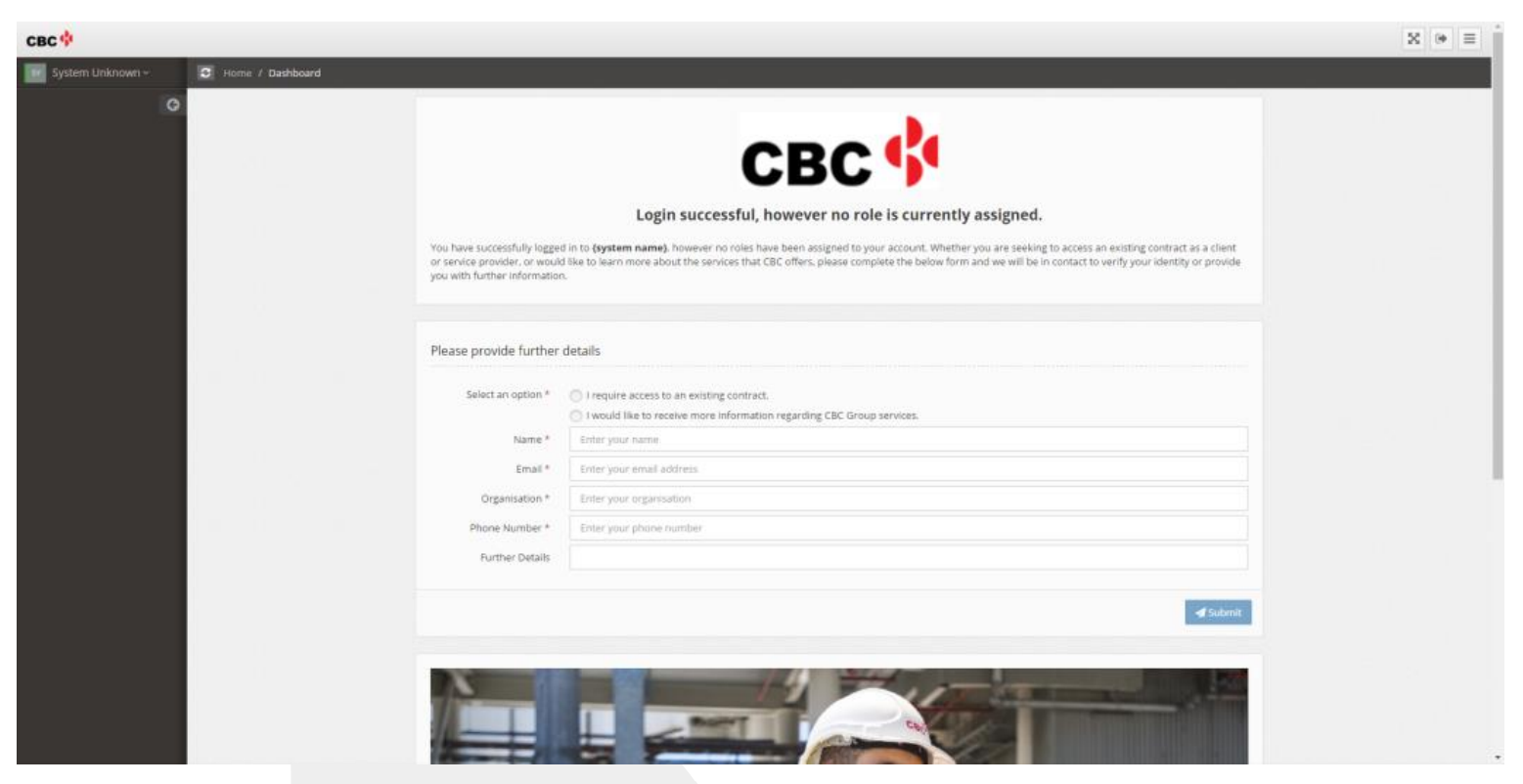
- This will sign you in but take you to the unauthorised user landing page. You will not gain further access until your account is activated you and you are assigned a role.
-
Complete the access request form on the landing page, and click submit.
- This will submit the information to the CBC Onboarding team, allowing them to complete the activation of your account.
-
Sign out and await confirmation from the Onboarding team.
- The ‘Sign Out’ button is in the top right corner.
- The Onboarding team will advise you via email once your account is successfully activated.
-
Sign In again using the ‘Sign In’ option on the sign in form.
- Be sure not to use the ‘Sign Up’ option again.